
01
In One Line
To understand sorting specs, start with a few core terms. Below is a glossary of common Tegene 3D Sorter Series sorting terms to quickly map against product specs.
02
Core Terms
The most-used concepts in warehouse sorting:
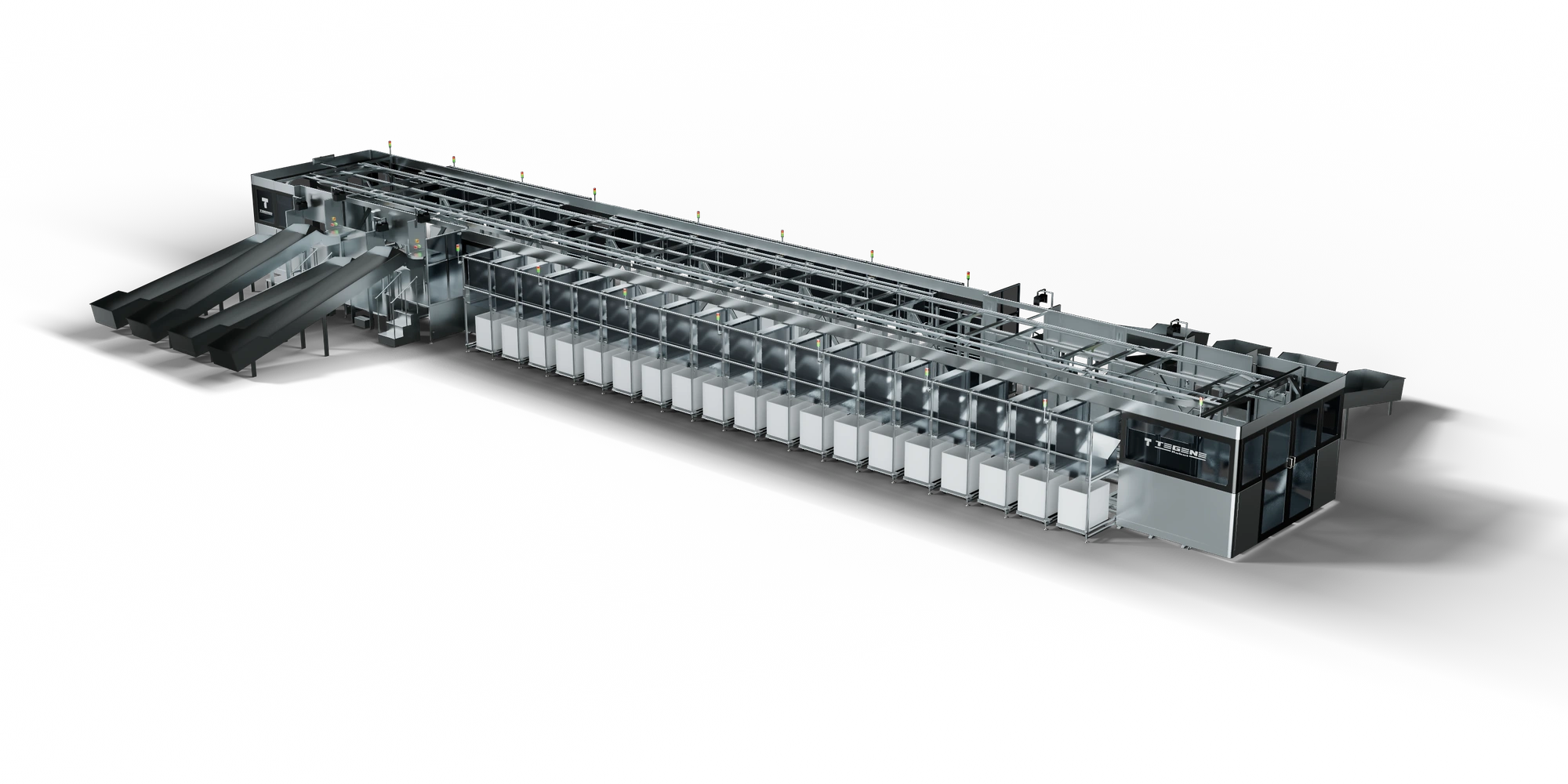
- Chute: a destination that receives items by sorting task. Configurations are 1,000 for 3D Sorter, 200 large roll-cage chutes for M, 1,500 for E and 2,500 for X, all customizable.
- Induction station: the position that places parcels onto the sorting line, manual or automatic.
- Feeding/induction: the way parcels are fed onto the line, manual or automatic.
- Top/table/multi-face scanning: scanning at different positions for stable barcode reads.
- NC items: item profiles requiring separate handling or manual re-sorting in the existing main sorting workflow; scope and suitability are confirmed by project.
- 3D Sorter X adds directly to the standard 3D Sorter base machine, increasing chutes through modular expansion and configurable extension. Depending on the original configuration and site conditions, chute count can reach 4–5 times the pre-expansion level, with phased expansion as business grows.
03
What These Terms Tell You About Fit
Mechanical throughput describes equipment processing capacity, while chute counts indicate destination capacity. Induction station counts support incoming capacity and work organization; manual or automatic induction determines the corresponding automation setup. Identification is selected for the item profile. Confirm configurations and operating results by project.